NEW: Bose open earbuds. Explore

Current Price is: $2,047.00
Original Price is: $2,247.00


Current Price is: $2,047.00
Original Price is: $2,247.00
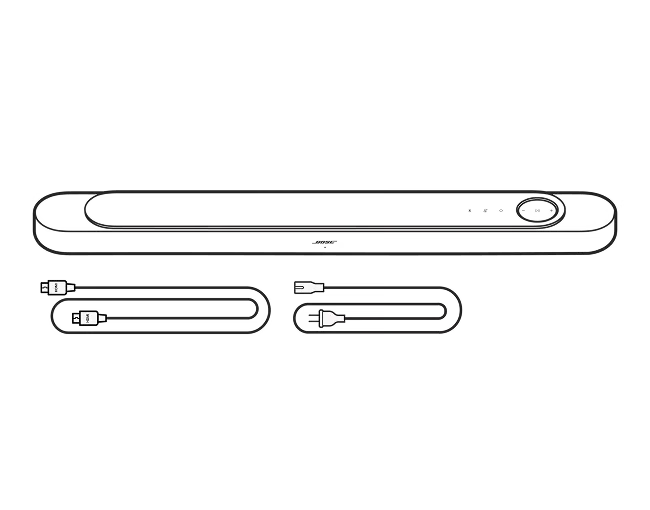
| Sound Options | 5.1.2 Speakers, Surround Sound Configuration (Optional Accessory), Multiroom |
|---|---|
| Entire Product System | 9.23 cm H x 109.94 cm W x 12.5 cm D (6.69 kg) |
| Speaker | 6.73 cm H x 109.94 cm W x 12.5 cm D (6.5 kg) |
| Product Material | Plastic (PC-ABS), Fabric, Glass Top, Rubber |
| Wireless Connectivity | Apple AirPlay 2, Bluetooth, Bluetooth Low Energy, Wireless Connectivity, Network (WiFi Enabled) |
| Bluetooth Version | 5.3 |
| Bose App | Bose App |
The Bose Lifestyle Ultra Soundbar is our most powerful and immersive soundbar yet. It builds on the previous Bose Smart Ultra Soundbar with a wider soundstage, deeper and fuller bass, and greater overall clarity.
SpeechClarity Technology gives you adjustable speech enhancement, so dialogue stays clear without losing the atmosphere of what’s on screen. When paired with compatible surround speakers and subwoofers, the Lifestyle Ultra Soundbar supports true 7.1.4-channel audio and Dolby Atmos decoding for a fully immersive experience.
The updated CustomTune tech uses your iOS or Android device to optimize the sound of your Lifestyle Collection system to your room’s acoustics, delivering the best sound performance for both music and movies.
Yes. We recommend the Bose Soundbar Wall Bracket (sold separately). When using the wall bracket, leave at least 4 inches (10 cm) of space between the soundbar and the TV. We highly recommend running the CustomTune tech process to optimize your sound when mounting the Lifestyle Ultra Soundbar to the wall. We do not recommend mounting the soundbar above your TV.
The Lifestyle Ultra Soundbar works best centred under your TV using the Bose Soundbar Wall Bracket (sold separately) or placed on a flat, stable, and level surface.
We recommend placing the soundbar near the front of your cabinet/mantle. Do not place the soundbar inside a shelf where the top or sides will be obstructed as this will significantly impact your soundbar’s performance.
When using the Bose Soundbar Wall Bracket, leave at least 4 inches (10 cm) of space between the soundbar and the TV. We do not recommend mounting the soundbar above your TV.
The Lifestyle Ultra Soundbar is not rated for outdoor use.
The Lifestyle Ultra Soundbar connects to your TV over HDMI eARC (enhanced Audio Return Channel) and uses CEC to control power and volume states on the soundbar via your TV or connected device remote. If your TV supports eARC or ARC, you’ll see one of your HDMI ports labelled for it and this is the port you must use with your soundbar.
HDMI ARC (Audio Return Channel) support is also available; however, ARC does not support lossless formats, and the Dolby audio formats supported over ARC vary based on TV manufacturer and model. For this reason, eARC is recommended to get the most out of your Lifestyle Ultra Soundbar.
The primary way to connect to the Lifestyle Ultra Soundbar is with HDMI. For music streaming, you can also use Wi-Fi options like Apple AirPlay, Google Cast or Spotify Connect, or using your voice with Amazon Alexa (where available). Apple AirPlay and Spotify Connect are available immediately after Wi-Fi setup. To get started with Google Cast, you will need to open the Bose app and turn on Google Cast for each product. To get started with Amazon Alexa, you will need to open the Bose app and enable Amazon Alexa for each product.
Learn more about wireless options:
Apple AirPlay>, Google Cast>, Spotify Connect>
Yes. The Lifestyle Collection products can be grouped as part of a multiroom audio system using Apple AirPlay or Google Cast. To get started with Google Cast, open the Bose app and turn on Google Cast for each product.
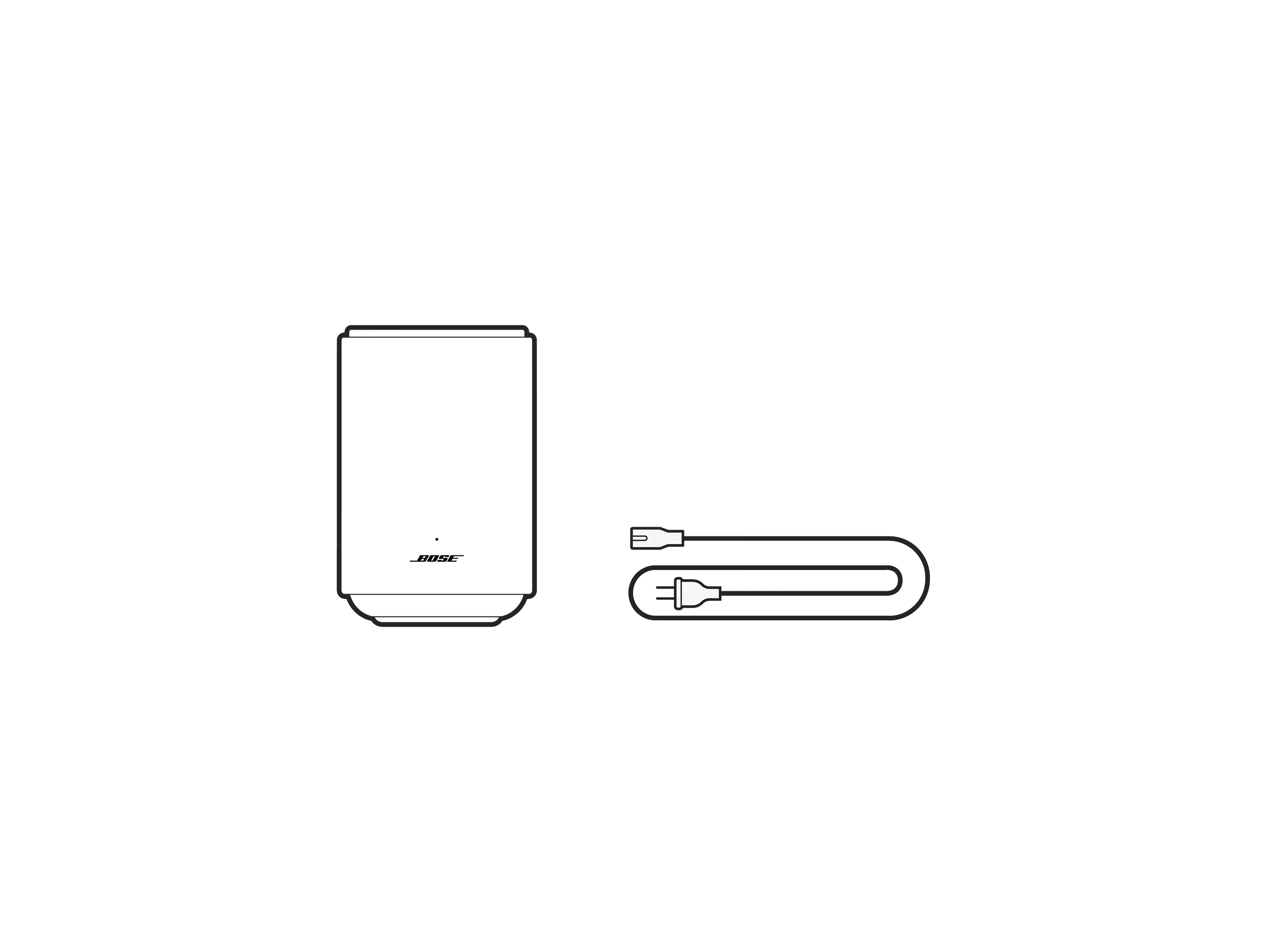
| Sound Options | Multiroom, Stereo Mode (When Enabling Two Speakers), Surround Sound Configuration |
|---|---|
| Audio cable included | No |
| Entire Product System | 18.47 cm H x 12.11 cm W x 16.75 cm D (1.66 kg) |
| Product Material | Plastic (PC-ABS), Fabric, Rubber |
| Wireless Connectivity | Apple AirPlay 2, Bluetooth, Bluetooth Low Energy, Wireless Connectivity, Network (WiFi Enabled) |
| Bluetooth Version | 5.3 |
| Bose App | Bose App |
The Lifestyle Ultra Speaker is incredibly flexible, but works best when it has space around it on a flat, stable, and level surface. It can also be used with the Bose Lifestyle Floor Stand or Bose Lifestyle Wall Bracket.
It is recommended to place the Lifestyle Ultra Speaker at least 2 inches (5 centimetres) away from a wall or corner to prevent unintended bass frequency buildup. To get the most from your Lifestyle Ultra Speaker, do not place it in or under a shelf/cabinet, as this will prevent the upward-firing speaker from spreading out into the room and significantly impact your speaker’s performance.
When using the Bose Lifestyle Wall Bracket, it is recommended to mount the top of the bracket at or just above ear height of your listening position and angle the speaker into your listening position. The speaker may be mounted higher and angled down; however, it is recommended to leave at least 24 inches (60 centimetres) between the top of the speaker and the ceiling to maintain the separation of surround and height effects. It is highly recommended to run the CustomTune process to optimize your sound when mounting the Lifestyle Ultra Speakers as part of your home theatre setup.
The Lifestyle Ultra Speaker is not rated for outdoor use.
The primary way to connect to the Lifestyle Ultra Speaker is via Wi-Fi options like Apple AirPlay, Google Cast, Spotify Connect, or Amazon Alexa (where available). Apple AirPlay and Spotify Connect are available immediately after Wi-Fi setup. To get started with Google Cast, you will need to open the Bose app and turn on Google Cast for each product. To get started with Amazon Alexa, you will need to open the Bose app and enable Amazon Alexa for each product. Bluetooth audio and a 3.5 mm aux input are also available.
Learn more about wireless options:
Apple AirPlay>, Google Cast>, Spotify Connect>
Yes. The Lifestyle Collection products can be grouped as part of a multiroom audio system using Apple AirPlay or Google Cast. To get started with Google Cast, open the Bose app and turn on Google Cast for each product.
The Lifestyle Ultra Speaker is not designed to work with your TV by itself, but a set of two can be used as surround speakers with a Lifestyle Ultra Soundbar as part of a home theatre configuration. It is not recommended to use the Lifestyle Ultra Speaker with a TV using Bluetooth or a 3.5 mm aux line input due to latency/lip sync issues.
They are only compatible with the Lifestyle Ultra Soundbar.
The Lifestyle Ultra Speakers can be configured as surround speakers for the Lifestyle Ultra Soundbar via the Bose app to create a full wrap-around, immersive soundstage. If setting up two new Lifestyle Ultra Speakers as surround speakers at the same time as a Lifestyle Ultra Soundbar, start with the soundbar first or select the Home Theatre option in the app during setup to minimize steps later.
For music streaming over Bluetooth or Wi-Fi, use your music service provider app to play/pause, skip, and adjust the volume. You can also use the speaker buttons or voice control (if enabled).
For music via a 3.5 mm aux input, you may need to set the output volume on your source device to prevent your Lifestyle Ultra Speaker from distorting. Play/pause and skip must be done using your source device, but you can use the Bose app, speaker controls, or voice control to adjust the volume of content played over the 3.5 mm aux input.
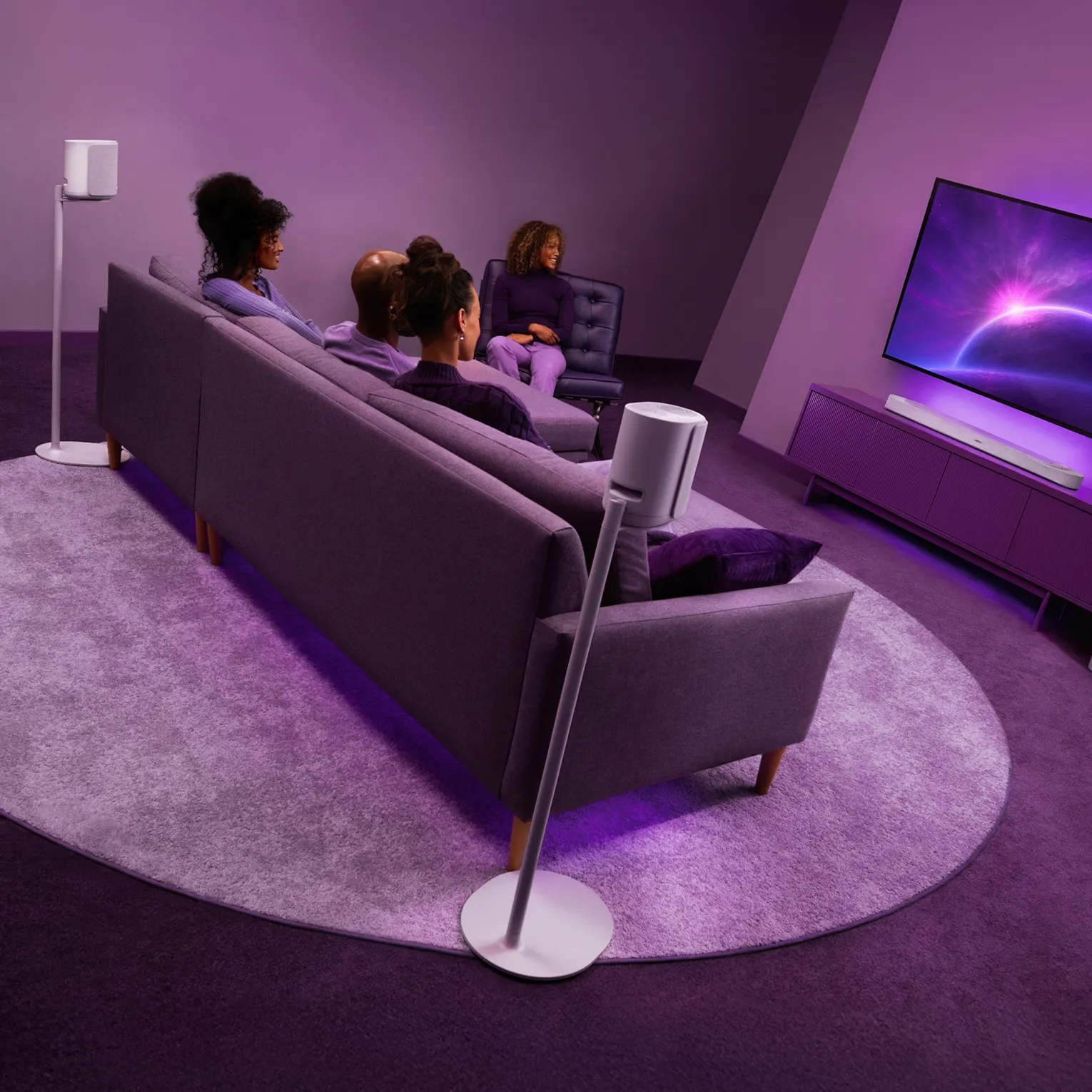
The Lifestyle Ultra Soundbar brings Dolby Atmos realism and crystal-clear dialogue so you can take movie nights to new heights. Lifestyle Ultra Speakers work as wireless surrounds that expand the soundstage while CleanBass Technology provides thunderous bass with stunning depth and clarity, no matter the volume. So you can enjoy cinematic immersion that pulls you deeper into your favourite movies, shows, and games.
Make movie nights come alive with SpeechClarity that balances voice and surround sound for ultra-crisp vocal clarity. Every line lands exactly how it should, bringing dialogue to the forefront while the action surrounds you.
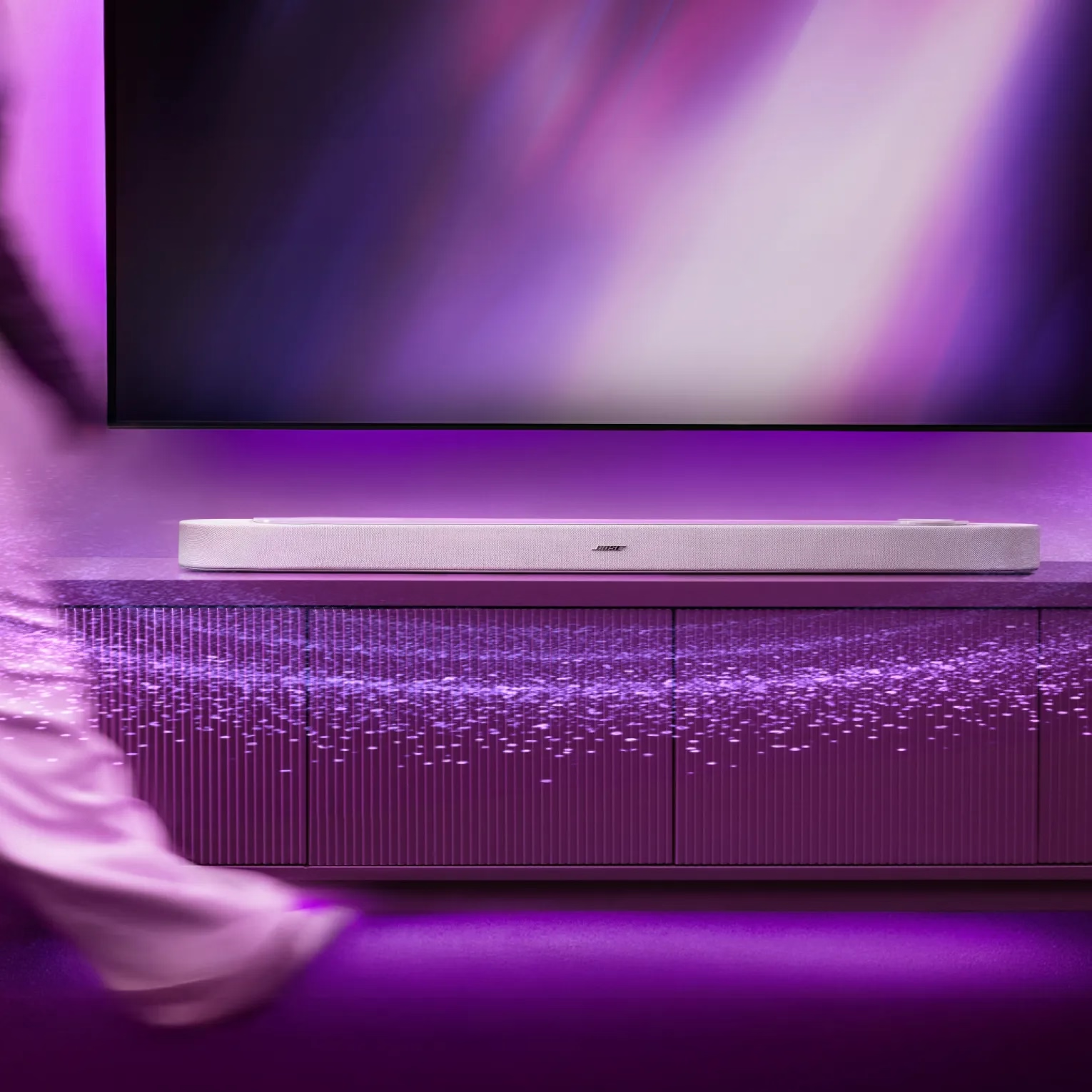
Driftwood Sand only available at Bose.com.
Try it for 30 days to make sure it’s right for you.
Shop confidently. We’ll match a lower price.
On all in-stock orders of $69 or more.
My Bose members receive exclusive offers, experiences, and more.
