null


Sets
null
Current Price is: $473.00
Original Price is: $613.00
Set includes:

Bose SoundLink Flex Bluetooth Speaker
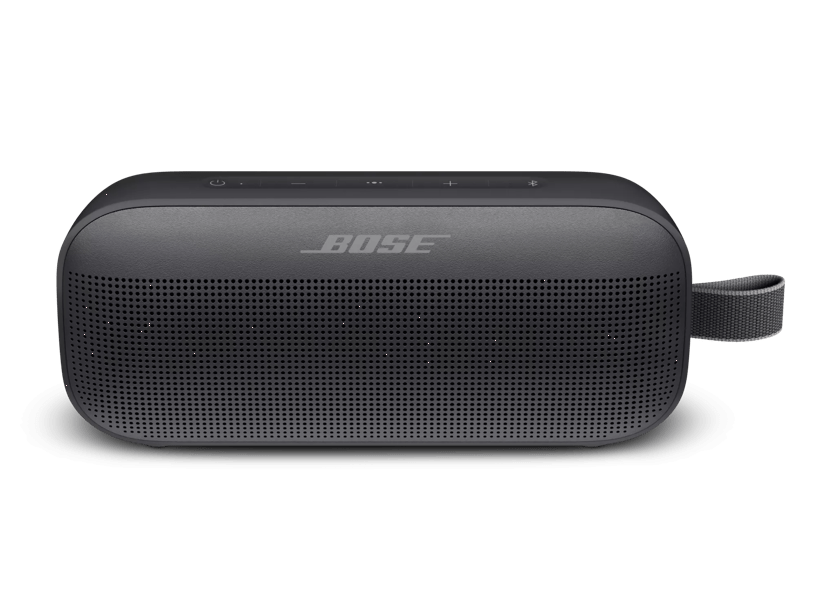
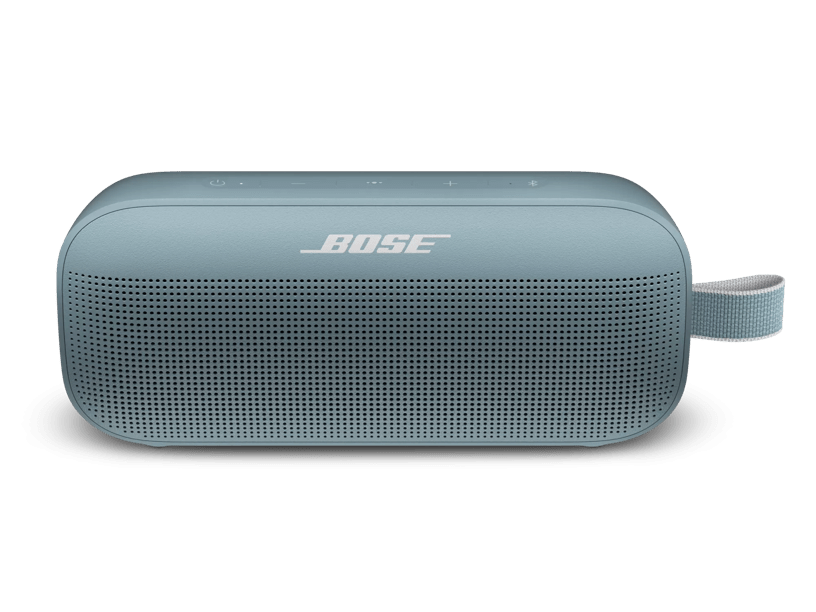
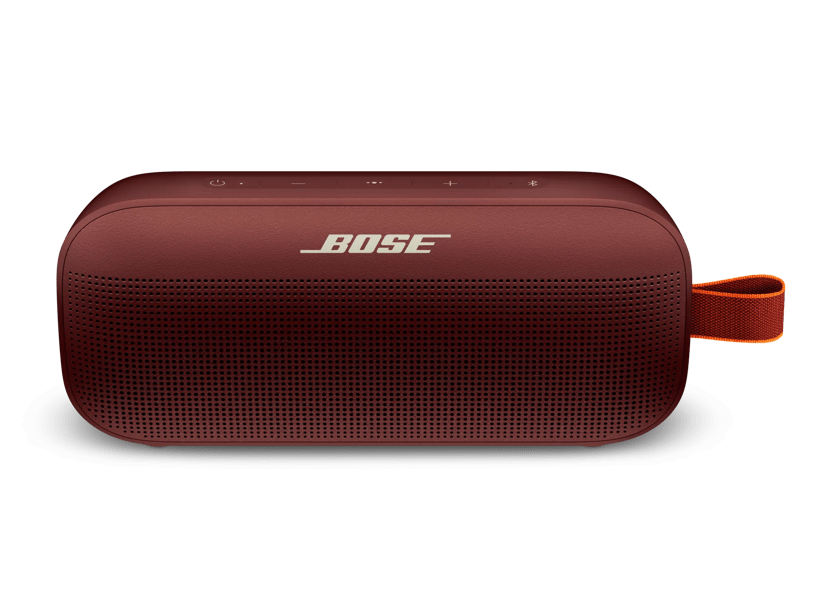
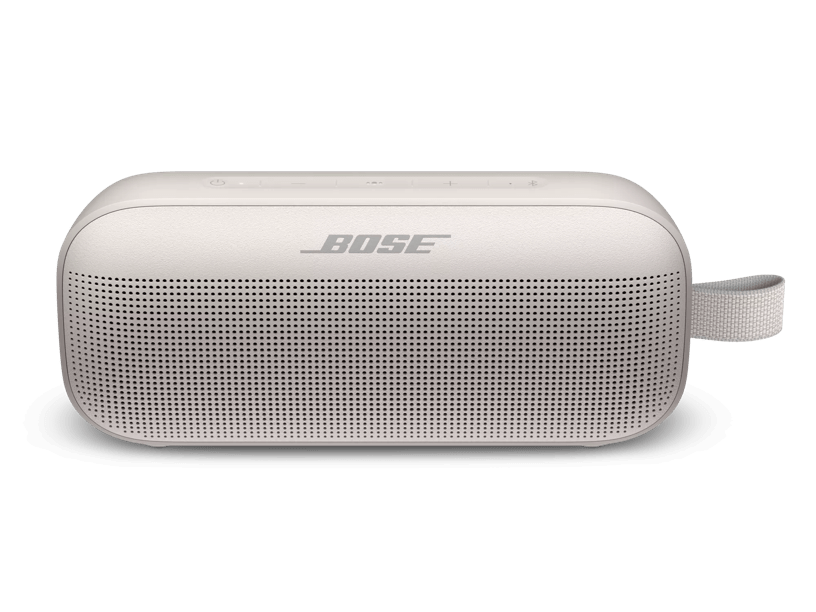
Sound for any all-day runway. The SoundLink Flex Bluetooth® speaker is the perfect chic musical sidekick, with a waterproof, dustproof, life-proof design that can handle whatever comes your way—with dazzling sound and deep bass. So whether you’re storming the city, hanging by the beach, or just having friends over for dinner, the powerful SoundLink Flex helps you elevate the moment.

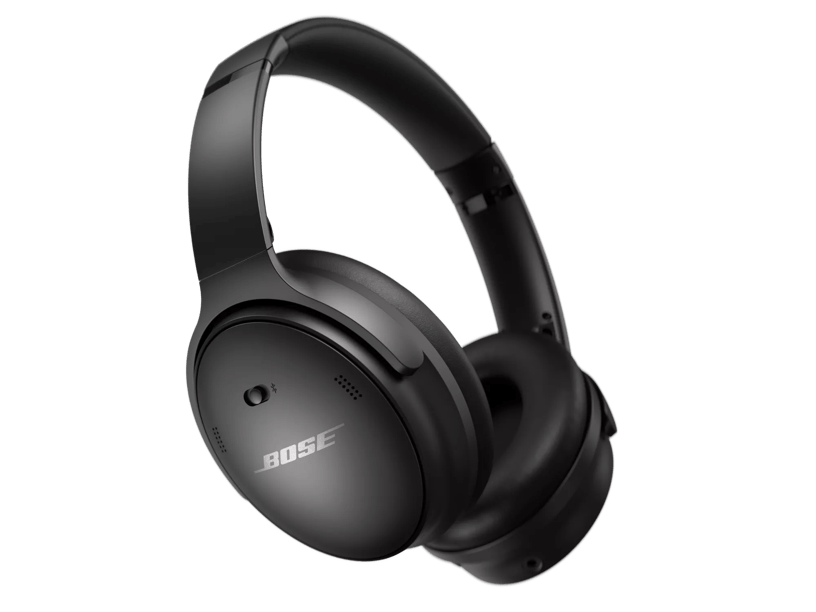
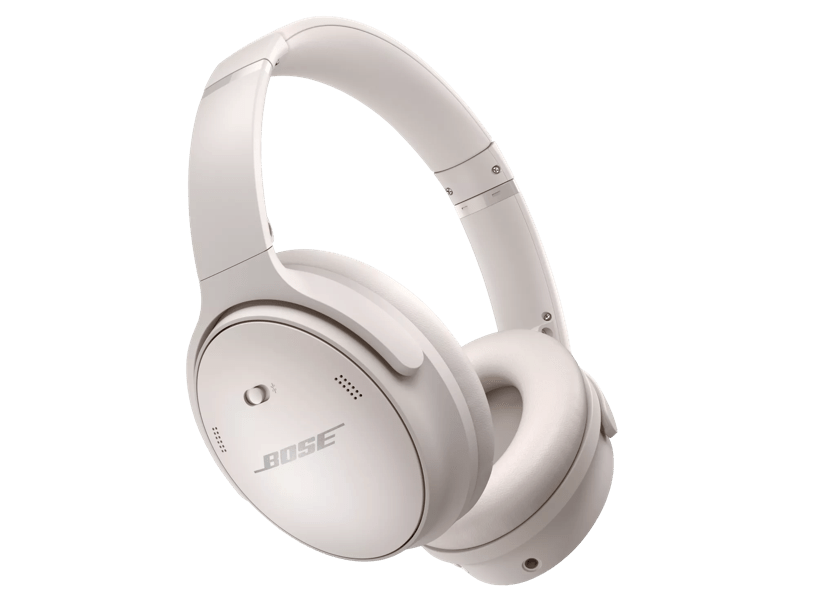
Bose QuietComfort 45 headphones
The wireless Bose QuietComfort® 45 headphones build upon our iconic noise cancelling headphones to offer the perfect balance of quiet, comfort and sound—with a battery life of 24 hours.
Save $140 when you order
90-day risk-free trial
4 Interest-free installments with Klarna or Afterpay.
Learn more
null
Current Price is: $473.00
Original Price is: $613.00
Product details
What’s in the box
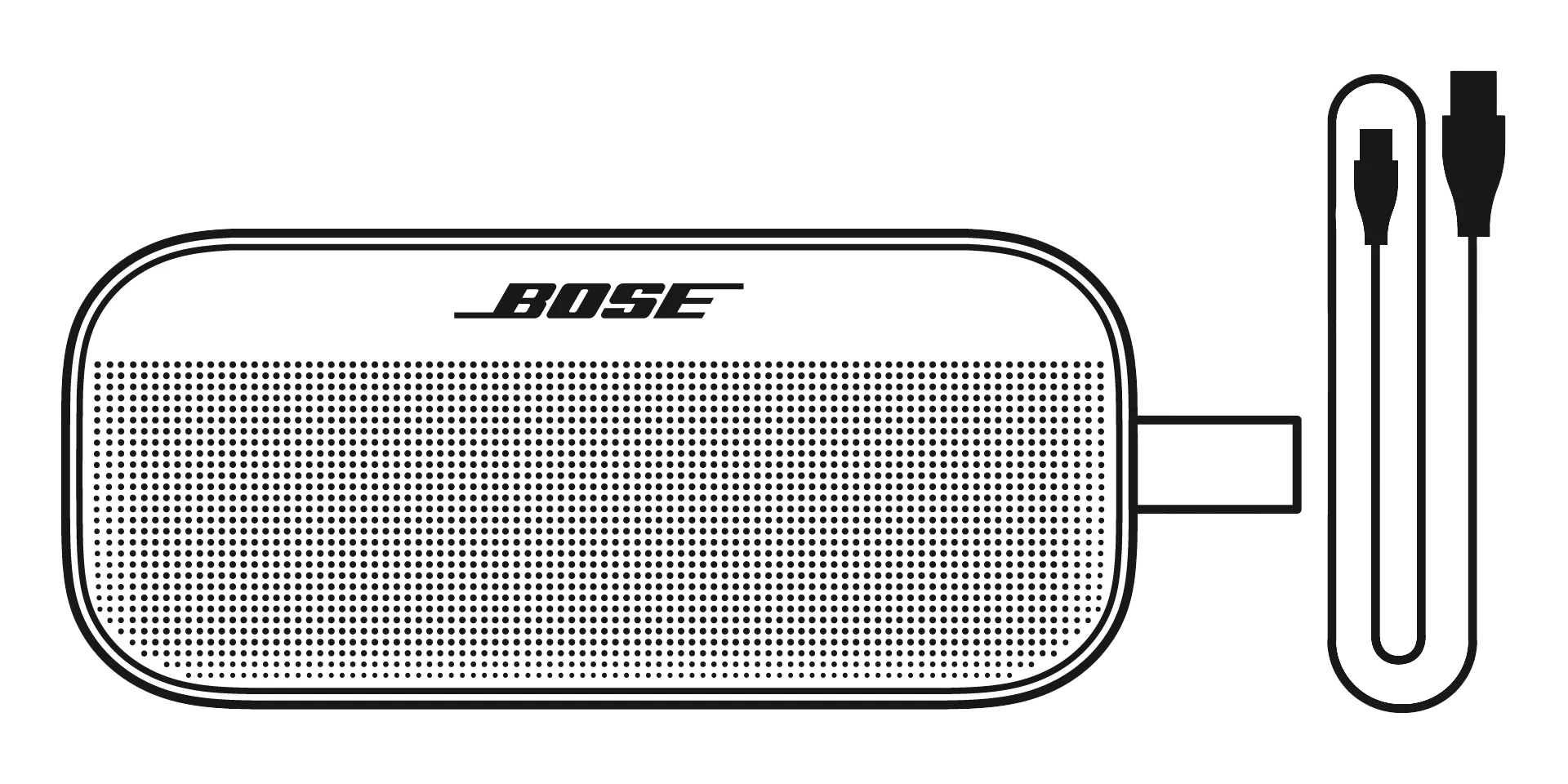
- Bose SoundLink Flex Bluetooth speaker
- USB Type-C cable
The SoundLink Flex’s Bluetooth connection is capable of stable operation at at least 9 m (30 ft). Performance can be affected by obstacles such as walls or metal, interference from Wi-Fi® or other wireless devices, and device manufacturers’ Bluetooth implementations. SoundLink Flex uses the same Bluetooth 4.2 chip that Bose has used in many other speakers, building on our years of interoperability experience and rigorous testing to offer a strong and highly reliable connectivity experience.
The SoundLink Flex keeps track of the last 8 devices to have paired and connected with it, dropping the least recently used when a new one is paired. When in Bluetooth mode, the SoundLink Flex searches for and connects to the two most recently connected active Bluetooth-enabled devices. The speaker only receives audio from one device at a time. When the first device stops playing, the other can start.
When in audio playback mode, the multi-function button allows for play (single press), pause (single press), track forwards (double press) and track backwards (triple press). Pressing and holding the multi-function button will activate the voice control capabilities of your device. Pressing the multi-function button again will exit the voice control mode.
When there is an incoming call, pressing the multi-function button will answer the call and pressing and holding it will reject the call. During an active call, pressing the multi-function button will end the call.
The microphone in the speaker acts as an extension of the microphone in your smartphone. It’s activated when you make or take a call and when you use the multi-function button to access the voice control capabilities on your device to ask Siri or the Google Assistant to play music, tell you the weather, give you the score of a match and other common tasks.
Yes. The SoundLink Flex can be used for both out-loud listening and hands-free communication, perfect for phone calls or even group meetings while working from home.
When a call comes in, the audio on the SoundLink Flex will pause and the call will ring through the speaker. If you wish to answer the call through the SoundLink Flex, simply press the multi-function button to answer the call. You can now talk into the speaker itself to conduct your phone call. Once you end your call, music playback will resume. Some details of this experience will vary depending on the implementation by the phone manufacturer.
Party Mode lets you connect two Bose Bluetooth speakers to play audio in perfect sync. This feature requires any two Bose Bluetooth speakers from the following list: SoundLink Flex, SoundLink Micro, SoundLink Color II, SoundLink Revolve (series I & II) and SoundLink Revolve+ (series I & II). The primary method of entering this mode is through the Bose Connect app.
If you have not yet downloaded the Bose Connect app, you can still enable Party Mode by pressing and holding the Bluetooth and volume-up buttons until you hear “Press the Bluetooth and volume-down buttons simultaneously on a second Bose device.”
On the other speaker, press and hold the Bluetooth and volume-down buttons simultaneously and release the buttons when the speaker emits a tone.
After 10 seconds, you hear “Party Mode” from both speakers simultaneously. Party Mode is enabled. You are now able to play audio in unison using your device.
Stereo Mode, as the name suggests, enables a stereo audio experience via two Bose Bluetooth speakers from the following list: SoundLink Flex, SoundLink Micro, SoundLink Color II, SoundLink Revolve (II) and SoundLink Revolve+ (II). The primary method of entering this mode is through the Bose Connect app.
If you did not yet download the Bose Connect app, you can still enable this mode by first configuring Party Mode as described above. Then, toggle to Stereo Mode by pressing and holding the Bluetooth button and volume up until you hear “Stereo Mode.”
Pressing Bluetooth and volume up again will toggle back to Party Mode.
SoundLink Flex features one custom-designed transducer and two small passive radiators (one front and one rear facing) to deliver the clearest possible sound and strong, deep bass for a product of its size. The speaker also features PositionIQ technology, which automatically detects its orientation and optimizes the EQ to ensure natural, lifelike sound no matter the orientation. Together, these technologies enable the SoundLink Flex to deliver an exceptional music experience with remarkable simplicity.
Using a built-in sensor, SoundLink Flex detects its orientation and automatically adjusts its EQ to deliver an uncompromised high-fidelity audio experience, whether it’s vertical, lying flat or horizontal. SoundLink Flex is the only Bose product to feature this proprietary technology.
No. The SoundLink Flex’s wireless connection is Bluetooth only.
With SoundLink Flex, we’ve stretched beyond the required testing parameters—in this case an IP67-rated product—to ensure that your speaker will long outlast an accidental drop into water or getting exposed to a dust storm. The SoundLink Flex is completely dust proof and can withstand water splashes as well as the pressure of being immersed in water up to 1 m (3.3 ft) deep, for up to 30 minutes. To ensure further protection from water, dust and debris, the transducer and passive radiators underneath the steel grille are built with rugged waterproof materials.
Yes. The SoundLink Flex will float.
The SoundLink Flex is rugged and sturdy enough to take everywhere. If it gets dirty, you can simply clean it off using (lukewarm) tap water and a microfibre cloth. Also make sure to rinse it with fresh water if it’s exposed to salt or chlorinated water. Don’t use a cleaning detergent or alcohol. Ensure that the charging port is clean and dry before you connect it to power.
No. While the loop is designed to provide many years of service without noticeable degradation in performance, if it does break, the unit must be sent back and the loop repaired/replaced by Bose.
In typical usage, the SoundLink Flex battery lasts up to 12 hours. As with any battery-operated device, battery performance can vary based on a number of different factors. These include the type of content being played, the volume at which it’s played and the surrounding temperature. SoundLink Flex was rigorously tested and verified to provide up to 12 hours of battery life based on playing music at typical indoor temperatures from Spotify’s Global Top 50 at 65% volume, which represents a comfortable volume while listening indoors. Under these typical use conditions, SoundLink Flex offers approximately 12 hours of playtime, or about 17 hours of podcasts or voice calls. Listening to music at less than 50% volume ensures a longer battery life, whereas increasing the volume past 65% of max decreases the life of the battery at a faster rate.
Because SoundLink Flex employs a standard USB-C charging interface, it can receive power from nearly any USB power source. For best results, use the included USB-C to USB-A cable with a USB power source rated for at least 1.5 amps (not included). Please note that some power sources with less than 1 amp of current may charge SoundLink Flex more slowly than the recommended power sources and may not be able to keep up with the power consumed while the speaker is operating.
While not playing music, much of the SoundLink Flex’s battery charge can be recovered in approximately 4 hours when using a USB power source. With a stronger power source (1.5 amp), charging time may be closer to 3 hours. Charging from alternate USB power sources or when playing music may take longer.
Yes. You can manually pair your mobile device to a SoundLink Flex speaker without using the Bose Connect app. First, enable Bluetooth in your phone’s settings. Power on the SoundLink Flex and press and hold the Bluetooth button. You will hear “Ready to connect” and the speaker’s Bluetooth light will blink blue. In your phone’s settings, choose “Bose Flex SoundLink” from the list of devices. You will hear “Connected to <mobile device name>” and the speaker’s Bluetooth light will become solid white, indicating that your mobile device and speaker are connected.
Yes. You can pair a Bose SoundLink Flex with another Bose Bluetooth speaker without using the Bose Connect app. To manually pair a SoundLink Flex with another Bose Bluetooth speaker, make sure both speakers are powered on and one speaker is connected to your mobile device. On the speaker connected to your device, press and hold the Bluetooth and the volume-up (+) buttons simultaneously. Release the buttons when you hear “Press the Bluetooth and volume-down buttons simultaneously on a second Bose device.” On the other speaker, press and hold the Bluetooth and volume-down (–) buttons simultaneously. Release the buttons when the speaker emits a tone. After about 10 seconds, you will hear “Party mode” from both speakers simultaneously. Party mode is enabled and you are now able to play audio in unison using your mobile device. For more information about manual pairing, including how to enable stereo mode, please refer to the SoundLink Flex owner’s guide.
Yes. All of SoundLink Flex’s components, including the USB-C charging port, are built with rugged waterproof materials. If water or dust enters the USB-C port, the speaker won’t be damaged because its interior components are sealed tightly to ensure protection from water, dust and debris. If debris gets into the charging port, you can gently brush it out (while taking care not to damage the pins). You can also gently rinse the port with fresh water (let it dry before operating the speaker).
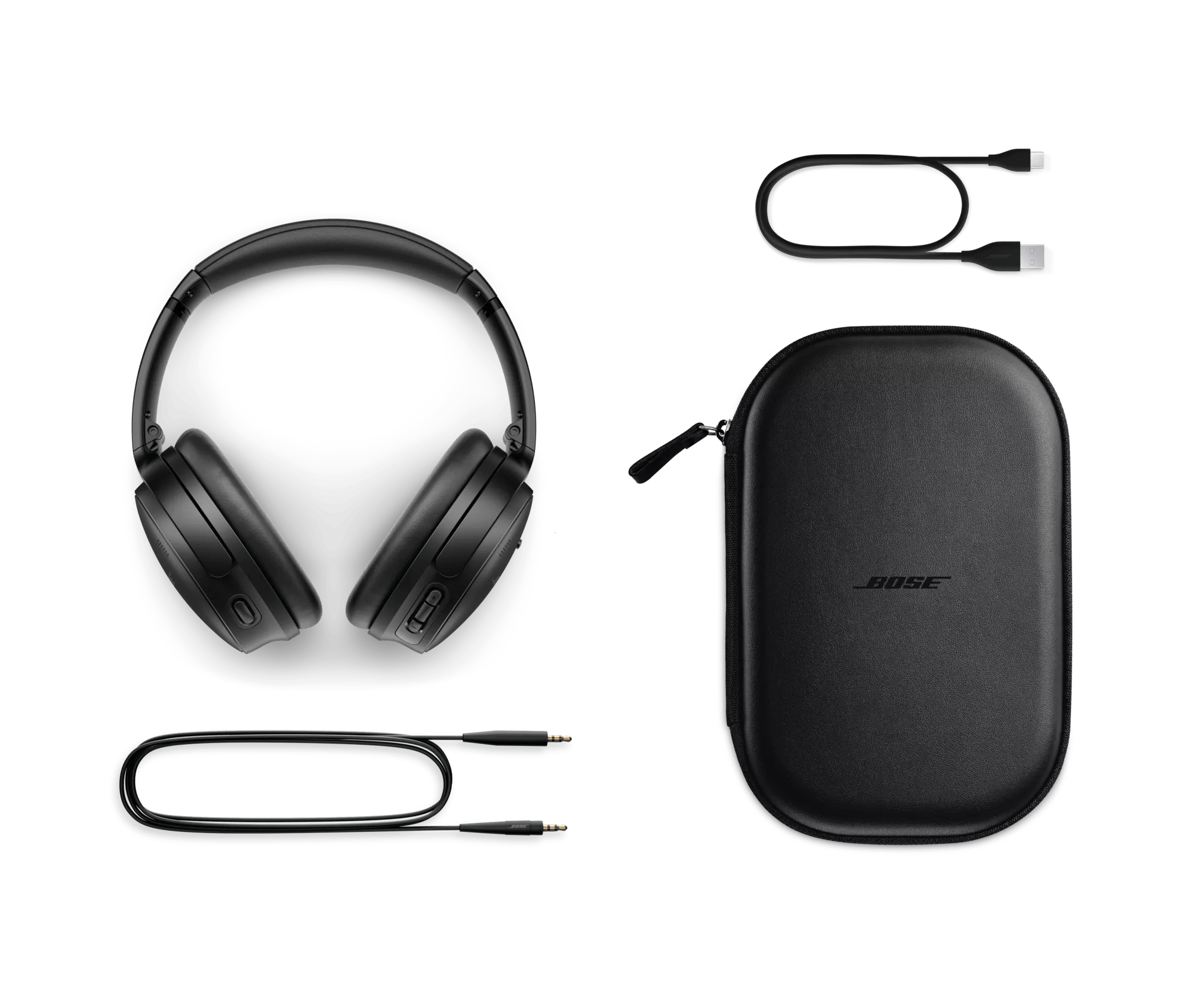
What’s in the box
- QuietComfort 45 Headphones
- Carry case
- 12" USB-C charging cable
- 3.5 mm to 2.5 mm audio cable
Bose QuietComfort Headphones are the successor to QuietComfort 45 Headphones. They deliver high-fidelity audio performance and world-class noise cancellation that allow you to hear more of your music and movies — while travelling, at the office, or at home. QuietComfort Ultra Headphones offer our most premium design and our most advanced technologies, for the best Bose listening experience in a headphone. With QuietComfort Ultra Headphones, you will enjoy our best headphone noise cancellation, audio quality personalized with CustomTune, and voice pickup, among other premium features.
Proprietary TriPort acoustic headphone structure utilizes external ports to vent the earcups and effectively enlarge the acoustic volume, without increasing the size of the earcup. The result is better audio and active noise reduction from a smaller, lighter, more comfortable headphone.
Bose QuietComfort 45 headphones utilize both active and passive noise reduction technologies. They use a sophisticated proprietary electronics approach for active noise reduction, placing microphones both inside and outside the earcups. The electronics system senses the sound in almost any environment and then measures, compares, and reacts — instant by instant — to produce an opposing cancellation signal. Meanwhile, passive noise reduction is achieved by the combination of earcup fit, design, and clamping force of the headband.
Aware Mode turns on the external microphones of QuietComfort 45 headphones and feeds ambient sounds into the headphones, enabling awareness of the sounds in the environment, such as cars and emergency vehicles, while still enjoying audio content.
These headphones were designed to maximize all the features that contribute to comfort, especially when you’re using the headphones for extended periods of time. All materials have been selected for their comfort and lightweight properties. Protein leather is used for its comfort, durability, and acoustical properties. The earcups rotate easily for a uniform, comfortable seal. And most importantly, stability is achieved with minimal clamping force, allowing for hours of comfortable wear.
Yes. Bose QuietComfort 45 headphones have an adaptive microphone system that allows you to use the headphones during calls when connected to any smartphone. In addition to traditional calls, the headphones will work with many apps that use Voice over Internet Protocol (VoIP), such as Zoom or FaceTime. The microphone system adapts to your environment to isolate your voice from competing background noises and wind so that you can confidently take a call or speak to your voice assistant anywhere you go — knowing you will be heard clearly and naturally.
First, make sure your headphones are turned on with the slider switch in the middle “On” position. Next, slide and hold the switch to the Bluetooth icon until the Bluetooth LED flashes blue or when the voice prompt indicates the headphones have entered into pairing mode. Please note, if this is your first time connecting the headphones, they will automatically turn on into pairing mode. Voice prompts will provide you with additional guidance. We recommend using the Bose Music app to complete the pairing process, however, Bluetooth settings on your device can be used to complete pairing.
Yes. Multi-point technology allows Bose QuietComfort 45 headphones to maintain a connection to two devices at the same time — for example, an iPad and a smartphone. So while you’re watching video on the connected iPad, the headphones will automatically pause the video to answer a call from the connected smartphone. When the call is finished, the headphones switch back to the video on the iPad.
Bose QuietComfort 45 headphones have a range of up to 9 metres (30 feet) from the source device. This range may be reduced by physical obstructions, such as walls and doors, or by interference from other electronic devices. Pops or a cracking noise may be heard if there’s interference with the Bluetooth connection. If that happens, move away from wireless routers or microwaves and bring your headphones closer to the Bluetooth device.
The headphones can be charged using the USB-C cable supplied in the box and plugging into a USB port on a PC, laptop, or wall charger. Allow up to 2 hours for the headphones to fully charge. The battery light indicator will show an amber light while the headphones are charging and turn green when fully charged. When you don’t have time for a full charge, the fast-charge feature provides up to 3 hours of play time from a quick 15-minute charge.
Bose QuietComfort 45 headphones use a lithium-ion rechargeable battery that provides up to 22 hours* of audio playback with noise cancelling turned on.
Yes, you can continue to listen to your source even if the battery power is depleted. Without power, the headphones operate in a passive mode and neither active noise cancellation nor Active EQ is able to function.
Yes. Bose QuietComfort 45 headphones come with a USB-C cable that allows the headphones to be charged from your PC or laptop. Please note that the PC or laptop must be on and awake in order to charge over USB.
Bose QuietComfort 45 headphones also give you two options when it comes to audio EQ. Do nothing, and the bass, midrange, and treble of whatever you’re listening to will be adjusted automatically to make it sound great. Or choose Equalizer in the settings of the Bose Music app to change the audio levels yourself to however you like them best. Either way, you’ll enjoy immersive sound at any volume.
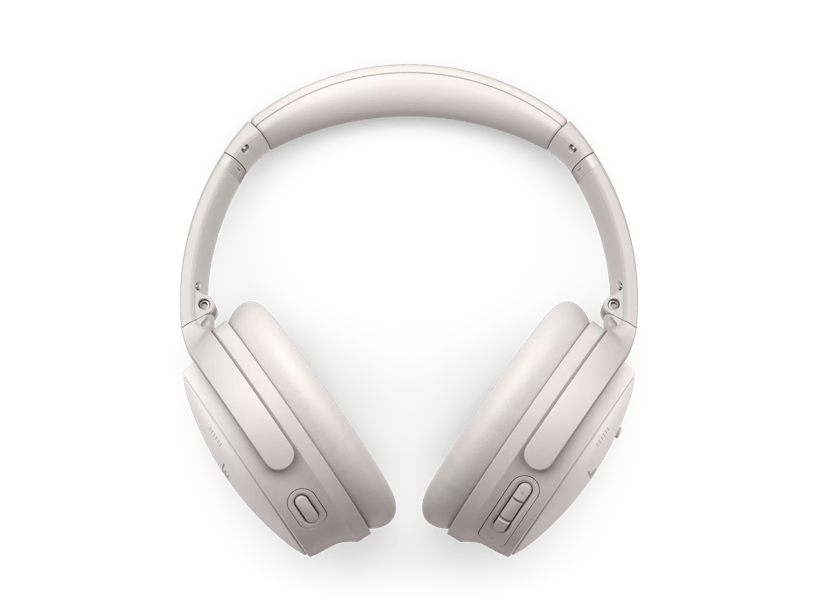
The larger middle button on the right earcup is the Multi-function button. It initiates play/pause and other track controls for videos and music, answers and ends calls, and also provides access to your phone’s default virtual assistant, like Siri. The buttons on either side of the multi-function button are volume +/- buttons. They allow you to easily adjust volume in an intuitive up/down vertical orientation.
On the left earcup there is a single Action button. This toggles between Quiet Mode (noise cancelling) and Aware Mode.
Using the Multi-function button on the back of the right earcup, QuietComfort 45 headphones give you access to your phone’s default virtual assistant, like Siri.
No. In general, the audio/video delay will be excessive and most noticeable in games where action and audio are supposed to be synchronized.